
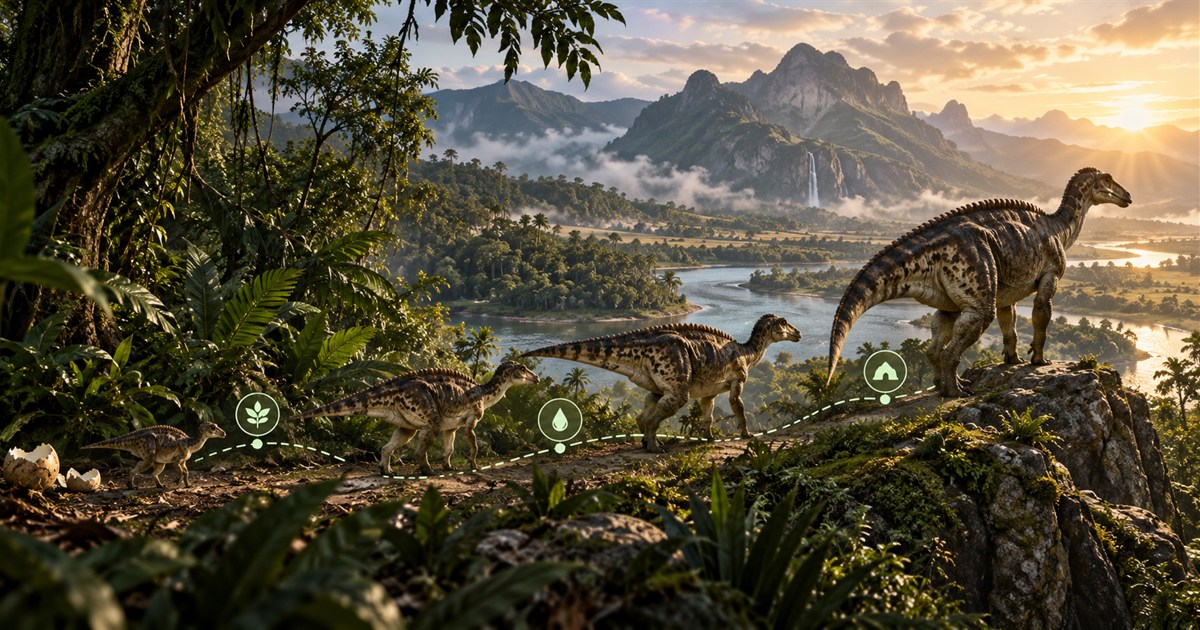
Growing faster in The Isle: EVRIMA is not a hidden shortcut or one safe place where you can wait until adulthood. Reliable growth comes from maintaining the diet shown by the game, keeping food and water within reach, choosing routes your current size can survive and avoiding preventable resets. The fastest theoretical route means little if it sends a juvenile across exposed terrain and ends the run.
Use the current in-game diet and growth displays as your authority. Capture Asset Location, select only the food and objective layers relevant to your dinosaur, and plan a short loop between food, drinkable water, cover and a fallback area. Recheck your position after every major direction change. Better growth is the result of maintaining the right conditions while staying alive—not following an old timer chart blindly.
The Isle EVRIMA growth stages
Every dinosaur develops through recognizable life stages, from its smallest and most vulnerable form toward full adulthood. The labels, thresholds and abilities visible in the current game should be treated as authoritative because EVRIMA continues to change.
- Hatchling: the smallest stage, associated with nesting and dependence on a secure start.
- Juvenile: the normal early survival period when map knowledge, food and water routes matter most.
- Subadult: a larger transition stage with greater capability, but still not the final adult form.
- Adult: the mature stage with the dinosaur's full size and mature survival role.
Size changes what is safe. A path that works for a fast juvenile may become awkward later, while a young dinosaur should not use the same exposed routes or confrontations as an adult. Reassess terrain, cover and objectives as the dinosaur develops.
How diet and nutrients affect growth
The current diet panel tells you which food choices matter to the dinosaur you are playing. A stronger diet can support better growth than simply keeping the stomach from becoming empty, but the exact current values belong to the live build. Old screenshots and calculators may describe a previous balance pass.
Use this workflow:
- Open the in-game diet information and identify the foods currently relevant to your dinosaur.
- Capture Asset Location before beginning the search.
- Enable only the matching Plant or Animal filters.
- Add Drinking Water and one navigation layer such as Location Names or Landmarks.
- Choose a fallback food area before leaving your current cover.
Our The Isle EVRIMA food and diet guide explains herbivore, carnivore and omnivore searches in detail. The central rule is simple: let the game decide what food is useful, then let the map help you decide how to reach a suitable search area.
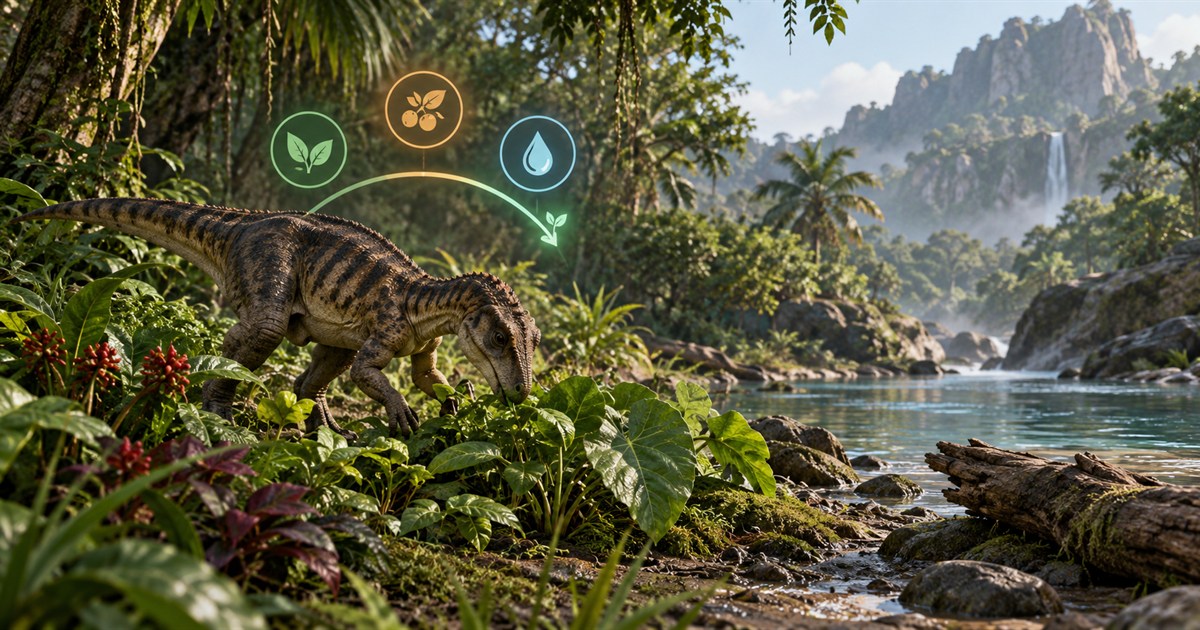
What does “perfect diet” mean for a growth run?
Players commonly use “perfect diet” to describe maintaining the most beneficial nutrient combination available to their dinosaur. Do not turn that phrase into a fixed promise about exact speed, time or percentages. Check the current diet and growth indicators in your own session, because species rules and balance can be updated.
Chasing one distant food simply because an old guide called it mandatory can make the run slower in practice. Compare the benefit with the travel cost:
- How far is the resource from your current position?
- Can your current growth stage cross the terrain safely?
- Is drinkable water available before or after the food stop?
- Does the route pass through open ground or predictable crossings?
- What will you do if the expected resource is unavailable?
Use current objectives without assuming every zone is active
Migration, patrol and sanctuary systems can influence a growth route, but the objective shown by the game is the authority for your dinosaur. The map supplies geographic context after you know which direction or zone matters.
- Migration zones can encourage broader travel and resource-focused movement.
- Patrol zones concentrate an objective within a smaller local area.
- Sanctuaries are juvenile-focused locations rather than permanent bases or guarantees of safety.
Enable the relevant layer and compare it with food, water, roads, landmarks and terrain. Do not assume that every mapped region is active for every species at the same time. Read the migration, patrol and sanctuary guide for the complete distinction.
Plan a safer Gateway growth route
The most reliable route is usually a short repeatable loop rather than a single long crossing. Build it from four components: a food search area, drinkable water, recognizable cover or shelter, and a fallback destination.
Start by placing your current position on Gateway. Then compare two possible routes. The direct line may cross an open plain, steep slope or exposed riverbank. A covered line following trees, a road edge or a recognizable river bend may be longer on the map but easier to navigate and survive.
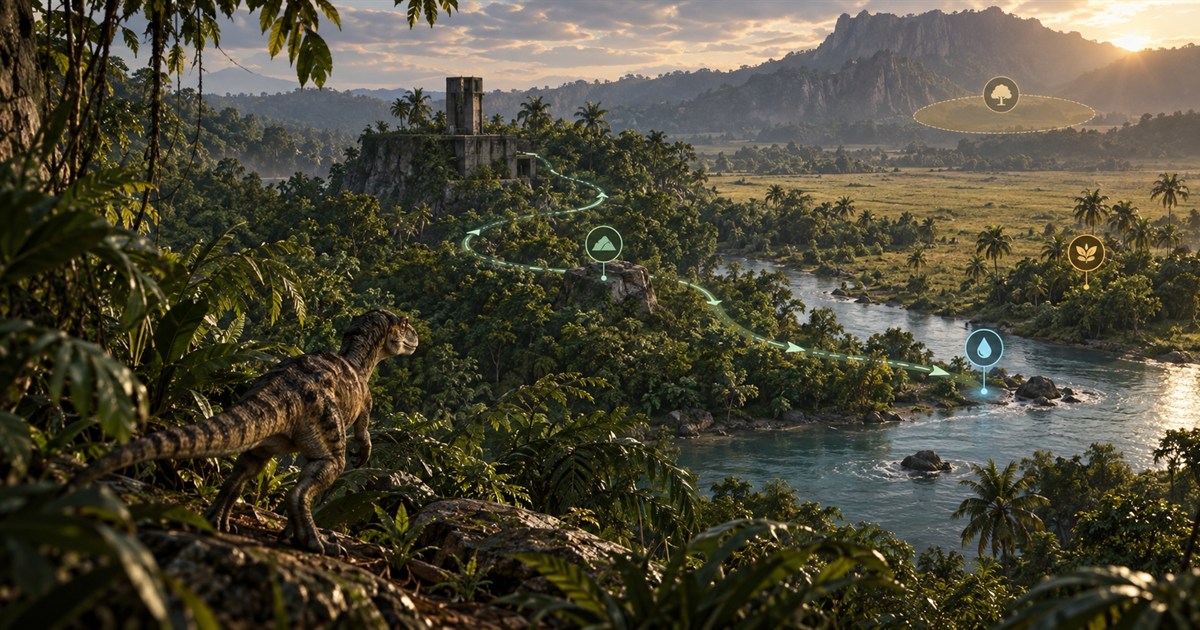
Map layers that help a growth run
- Drinking Water: keeps the next water stop visible while you search for food.
- Plants or Animals: display only the resource references relevant to the current diet.
- Location Names and Landmarks: help you hold direction between position updates.
- Roads and Trails: provide recognizable routes, although visibility and exposure still matter.
- Migration, Patrol or Sanctuary: add the objective context shown by the game.
- Caves, Mud or Salt Licks: can be enabled when one of those features answers a specific survival question.
Keep unrelated markers hidden. A readable map makes faster decisions possible when hunger, thirst or danger changes the plan. The Gateway map layers guide lists every available layer family.
Keep your position current while growing
Open the in-game Tab panel and click the Asset Location coordinates for a manual clipboard update. If optional screen reading is enabled and its visible area has been selected, matching local readings can update the position marker when the panel appears in the foreground game. Captured screen content stays on the computer.
Refresh the position after:
- crossing a river or major road;
- leaving a pursuit or avoiding another dinosaur;
- travelling through dense jungle where landmarks disappear;
- changing from the primary route to the fallback;
- reaching a new patrol, migration or food area.
Small corrections prevent ten minutes of movement in the wrong direction. See the Asset Location guide for both supported update methods.
Choose safer places to rest and assess the route
Growing is not only movement. You also need moments to listen, check needs and decide whether the route still works. Stop where terrain and vegetation reduce exposure without trapping the dinosaur against a cliff, deep water or a single obvious exit.
A map cannot tell you whether another player is nearby. It does not reveal hidden dinosaurs or live server activity. Use sound, scent, visibility and the current game state before treating any location as safe. Avoid going fully inattentive simply because the map shows a quiet-looking area.
Why growth runs fail
Many failed runs begin before the final encounter. Common causes include:
- Following outdated diet information: the expected food or benefit no longer matches the current build.
- Travelling without a water plan: food is reached, but thirst forces a dangerous emergency crossing.
- Enabling every marker: the map becomes too cluttered to support quick route decisions.
- Ignoring the current growth stage: a route or threat is judged as if the dinosaur were already adult.
- No fallback: one missing resource turns into wandering until hunger or thirst becomes critical.
- Position drift: the player continues from an old coordinate after a detour or chase.
- Treating reference markers as live guarantees: a mapped plant or animal area is assumed to contain food in every session.
Reaching adult is not the end of navigation
Adulthood changes the scale of the decisions, but food, water, objectives and position awareness still matter. Larger size may open some options and close others. Continue checking the current game information and update the map route when the dinosaur's needs or capabilities change.
The Isle EVRIMA growth FAQ
How do you grow faster in The Isle EVRIMA?
Maintain the diet and survival conditions shown by the current game, keep food and water routes practical, and avoid losing the run to unnecessary travel or exposure. Exact benefits can change between builds.
What is the perfect diet in The Isle?
The phrase generally refers to maintaining the most beneficial nutrient combination available to the dinosaur. Use the current in-game diet display rather than an old chart for the foods and effects that apply now.
How long does it take to grow a dinosaur?
Growth time depends on the species, current build, diet and survival conditions. Check current in-game information and patch-aware references instead of treating one historical timer as permanent.
Can TheIsleMinimap calculate my growth time?
No. It helps with Gateway position, food and water references, objective layers and route planning. It does not read the dinosaur's private game state or calculate a guaranteed completion time.
What map layers help juveniles grow?
Start with Drinking Water, the food filters relevant to the current diet, Location Names or Landmarks, and the objective layer shown by the game. Add other layers only when they answer a route question.
Does the growth route work on community servers?
The map and coordinate workflow work when the server uses the supported EVRIMA Gateway map and coordinate format. Server settings can affect gameplay, so treat the server and current game displays as authoritative.
Keep your latest position beside focused food, water, landmark and objective layers throughout the growth run.