
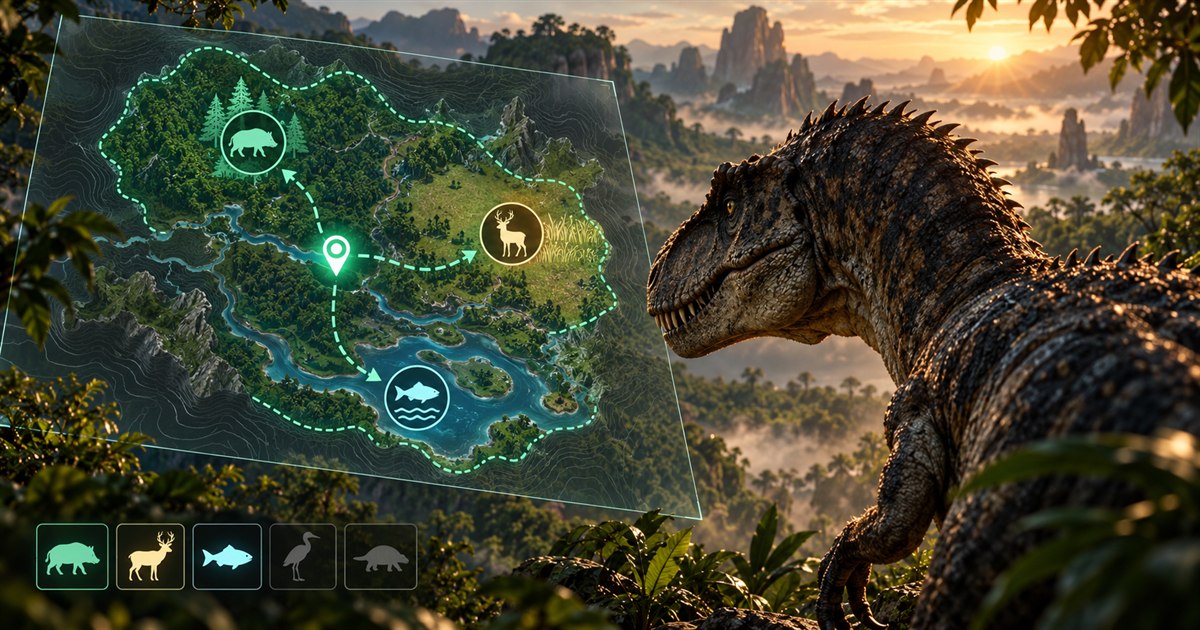
Looking for The Isle EVRIMA AI spawns because your carnivore is running out of food? A Gateway animal map can help you choose where to investigate, but reaching a marker is only the beginning of the search. You still need to check the live environment, listen for activity and leave enough time to try another area.
Locate yourself with Asset Location, enable the relevant animal filters in TheIsleMinimap, and choose a reachable search area with drinking water and cover nearby. Investigate the surrounding terrain rather than only the marker. If you find nothing, refresh your position and move to a planned fallback before hunger becomes critical. Animal markers are reference locations, not live prey tracking or guaranteed spawns.
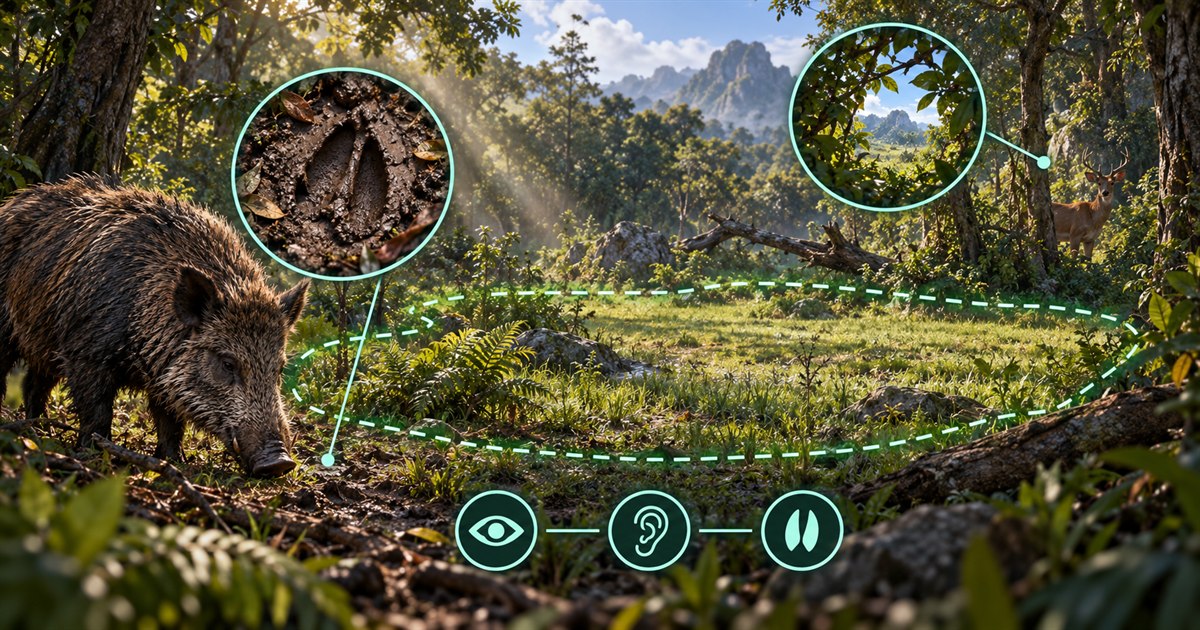
The images in this guide are AI-generated illustrations. Animal symbols, maps and routes explain search concepts; they are not gameplay or app screenshots, exact Gateway spawn locations or live prey tracking.
What a The Isle Gateway AI map can tell you
The useful question is not simply, “Where is the nearest food icon?” It is, “Which area can I search and leave again if there is nothing there?” A map helps you compare animal references with distance, water, terrain and the route back to cover.
TheIsleMinimap includes an Animals layer with individual land and aquatic species filters. Turn on the filters relevant to your current dinosaur instead of displaying every animal at once. Add drinking water and a navigation layer such as Location Names or Landmarks so the search remains readable.
These are mapped references. The app does not detect animals currently present, reveal hidden players or read the game's internal state. An animal marker does not mean a living animal is standing on that point. Think of it as a reason to investigate an area, not a food delivery promise.
The Gateway map layers guide explains the available filters. For nutrients and food choices across different dinosaur diets, read the separate The Isle EVRIMA food and diet guide.
Build a food-search route before you leave
A practical carnivore food search starts with your current situation. A nearly empty hunger meter, low stamina or an injured dinosaur changes which journey is sensible. Do not choose a distant search area just because its marker looks promising.
- Check the current diet information. Use the game to identify foods that apply to your dinosaur and growth stage. A food that fills the stomach is not necessarily the food you need for a particular nutrient.
- Place yourself on Gateway. Copy Asset Location or use optional screen reading while the coordinates are visible. Compare the marker with nearby landmarks before choosing a route.
- Choose a focused animal filter. Display the relevant land or aquatic references, not every resource family.
- Check water and terrain. Consider the journey as a whole: getting to the search area, drinking if needed, and leaving without an unnecessary river crossing or steep detour.
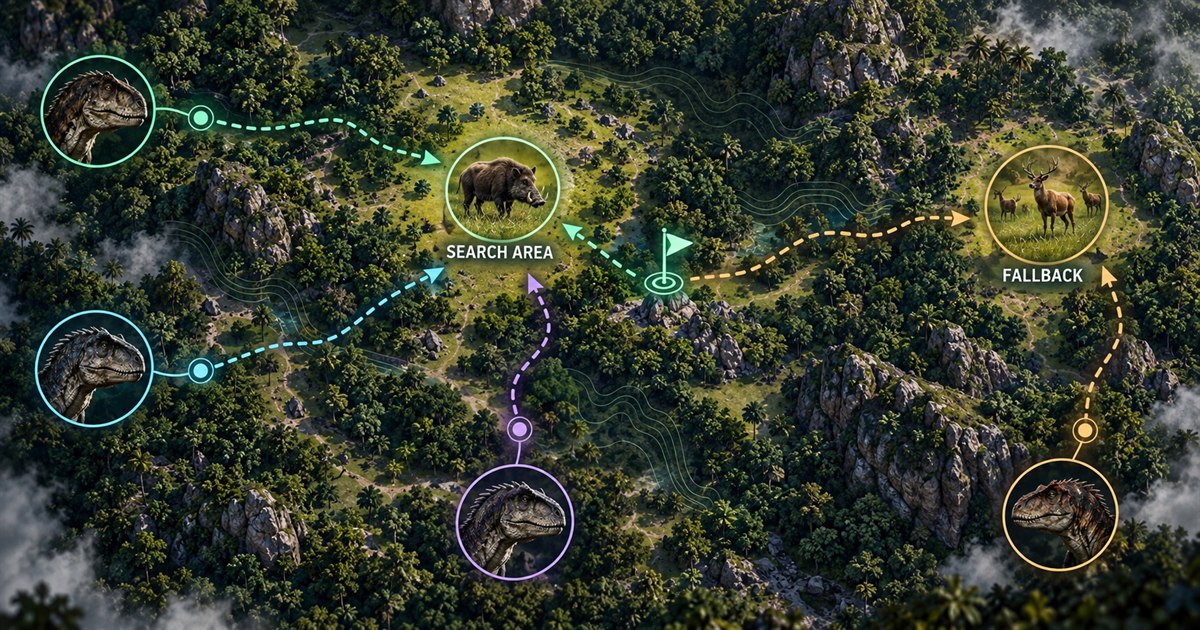
- Choose a second search area. Keep a realistic fallback in mind before you spend your remaining hunger and stamina on the first one.
A short, understandable route is often more useful than a long dash toward a distant icon. Break the journey into recognizable landmarks so you can recover your direction after avoiding another dinosaur.
Searching land-animal reference areas
When you reach a land-animal reference area, stop treating the map point as the entire destination. Look through the surrounding clearing, vegetation and nearby terrain. A small animal can be difficult to notice against foliage, and the route you used to enter the area may not give you a clear view.
Use sound and observation together. Pause unnecessary movement, listen and check different sightlines rather than repeatedly sprinting over the same exact point. Use the game's scent and tracking tools where applicable, but do not assume that a scent cue will reveal every living AI animal.
Keep your dinosaur's abilities in mind. Chasing something far beyond the original search area may turn a food opportunity into an exposed journey with no stamina left for an escape. Reassess your surroundings before committing to a pursuit.
Include aquatic food only when it fits your dinosaur
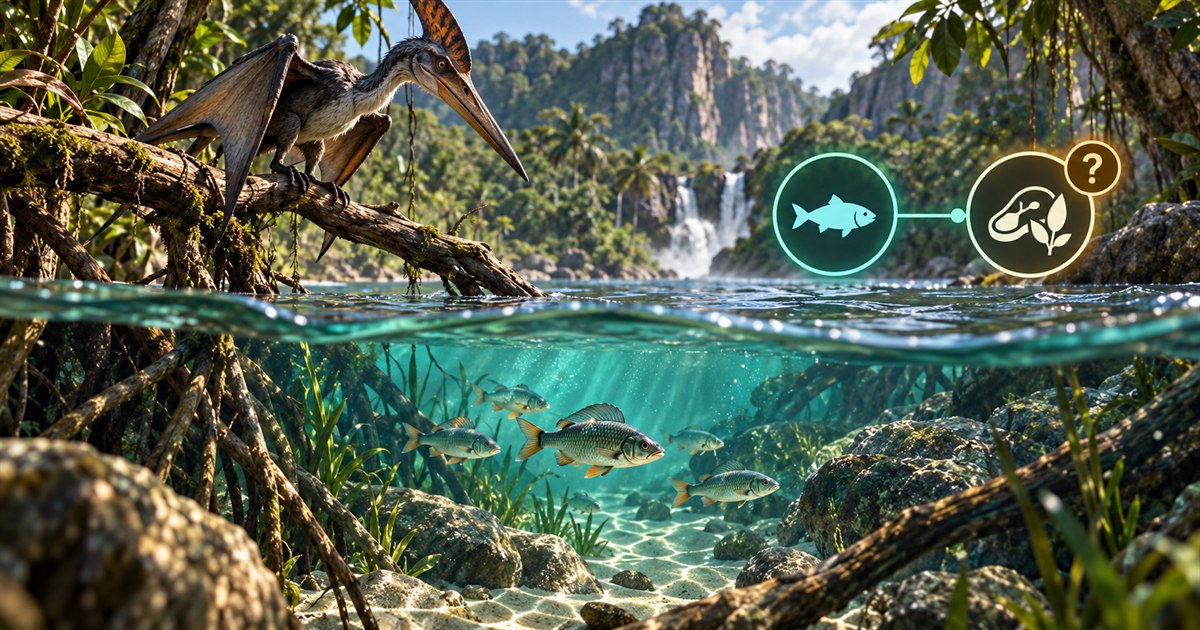
The Animals tab also separates aquatic references. These can help you compare potential food-search areas with nearby water, but your dinosaur's current diet and abilities should decide whether the trip makes sense.
Do not treat all shorelines, rivers or water markers as interchangeable. A food-search reference is not a guarantee that prey is present or accessible, and a drinking-water reference is not a guarantee that the bank is safe. Check the route, your escape options and what is happening in the game before approaching.
If an aquatic option is unsuitable, keep it hidden and concentrate on the food search you can actually use. The purpose of individual filters is to reduce distractions, not to suggest that every food family works for every dinosaur.
Why can a marked AI location be empty?
An empty search does not automatically mean that your position is wrong or that the minimap has stopped working. A reference map cannot confirm which animals exist in your current session. Game updates, server configuration and current activity can affect what you find, and older map advice may no longer match the build you are playing.
Before assuming a problem, check these possibilities:
- Your position needs refreshing. A marker based on an earlier Asset Location reading may no longer describe where you are standing.
- You searched only the icon. Investigate the surrounding area rather than waiting at a single point.
- The selected food is not useful to your dinosaur. Check the current diet panel instead of relying on an old species guide.
- The server has different conditions. Read the community server's rules or information rather than assuming its settings match every other server.
- The reference needs checking against a game update. Keep the app current and review The Isle's official update announcements when returning after a break.
This guide deliberately avoids claiming an exact AI respawn timer, a universal spawn trigger or a guaranteed food spot. Those promises would turn a useful search plan into a misleading shortcut. If the area is empty, use your fallback rather than waiting indefinitely for the map to produce an animal.
Coordinate a search with friends
TheIsleMinimap's private squads support up to four players. Share a meeting point, agree which search area to investigate first, and keep your own positions updated so a friend does not head toward an old marker.
You can use the shared pin for a regroup point or the next destination. Do not interpret squad position updates as enemy detection or as confirmation that food is available. They show participating squad members' shared positions, not everything alive on the server.
If you search nearby areas separately, choose a sensible place to regroup and keep the routes achievable for the slowest or most vulnerable member. The online map and multiplayer squads guide explains the position-sharing workflow.
Keep your player marker current while hunting
Open the in-game Tab panel and click Asset Location to copy your coordinates for a manual position update. With optional screen reading enabled, the reader can use the visible latitude and longitude to update your marker after matching readings. It ignores altitude and unrelated panel data.
The game must show the readable coordinates; the app does not obtain your location from game memory. Refresh after a detour, a pursuit, a respawn or a change of direction. If you enable automatic reading, confirm the proposed reading area or select one manually with enough room for the latitude and longitude text as it changes.
The Asset Location and screen-reading guide covers setup. The EVRIMA coordinates guide explains how to check your position against the Gateway map.
The Isle EVRIMA AI spawns FAQ
Where do I find AI in The Isle EVRIMA?
Use current Gateway animal references to choose a reachable search area, then investigate the surrounding terrain in the game. Match your filters to your dinosaur's diet and keep a fallback route ready; a map reference does not guarantee that an animal is present.
Does TheIsleMinimap show live AI animal positions?
No. The animal layer contains reference locations. It is not live prey tracking, and it does not reveal hidden players or animals currently present on a server.
Why can I not find food at an AI marker?
Refresh your position, check the selected filter and search the surrounding area. Availability can differ between sessions, builds and servers. Move to your fallback before hunger becomes critical rather than waiting at one icon indefinitely.
Is the Gateway AI map useful on community servers?
Yes, when they use the supported EVRIMA Gateway map and coordinate format. The reference layers do not override server settings or guarantee that the same animals are enabled or present everywhere.
Should I enable every animal filter?
Usually not for a focused food search. Start with the food family you can use, drinking water and a navigation layer. Add other information only when it helps you choose the next route.
Combine Gateway animal references, drinking water and your current position in one readable Windows minimap.