
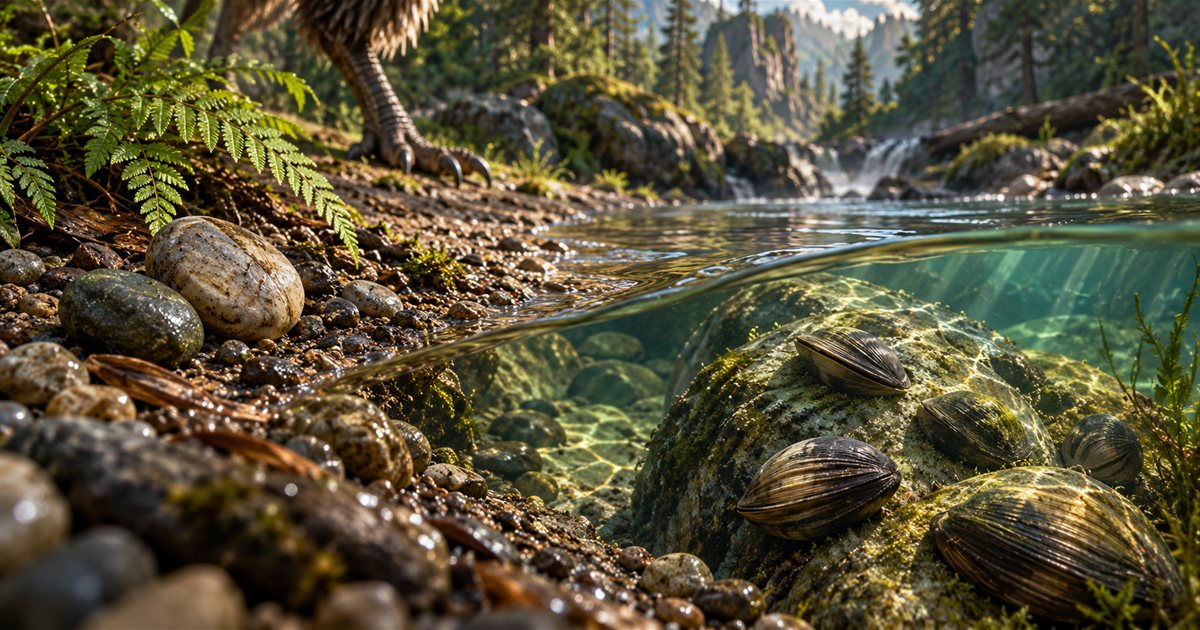
Gastroliths and clam rocks belong to two different resource decisions in The Isle EVRIMA. Gastroliths relate to stomach contents and making room for food; a clam-rock reference is a place to investigate a potential foraging opportunity. Before travelling to either, check what your dinosaur actually needs, the game's current interaction feedback and how you will leave the area.
This guide combines official mechanic history with practical Gateway exploration advice and the Earthworks controls in TheIsleMinimap 1.7.1. The three AI-generated illustrations are conceptual teaching artwork, not screenshots, exact collectible models or verified resource coordinates. Current Controls, Status Report and interaction prompts take precedence over historical descriptions.
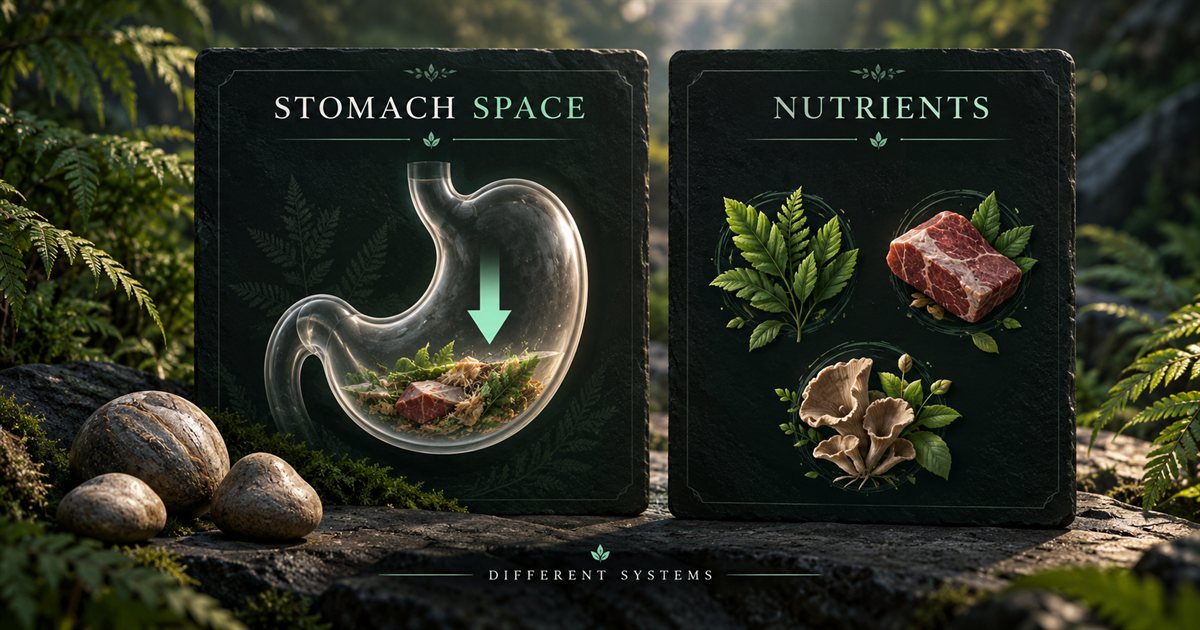
What gastroliths do: stomach contents and nutrients are separate
The developers' September and November 2024 explanations describe gastroliths as consumable stones that drain stomach contents faster. The September description distinguishes that stomach effect from nutrients, and the November explanation describes the system for all playables.
That explains the purpose without establishing a current duration, drain percentage or stacking formula. This guide does not promise those values. Check the effect shown in your installed build and avoid treating a community stopwatch result as a permanent rule for every patch.
The useful distinction is between space for another meal and the nutrients supplied by that meal. A stone is not a replacement for appropriate food. Making room does not by itself supply the diet item you were missing, heal an injury or make the next food choice suitable.
Use the food and diet guide to think through the next meal. If you are sick or have recently vomited, also review the salt licks and vomiting guide. A gastrolith is not a reason to ignore an active condition or continue feeding without checking your status.
When stomach space matters
Before searching for stones, identify the actual problem. Are you trying to make room while appropriate food is available, or are you already short of food? Those situations call for different decisions. Deliberately reducing stomach contents is harder to justify when you have no reliable next meal.
| Situation | Question to ask | Practical next step |
|---|---|---|
| A full stomach beside suitable food | Would making room help with the meal I actually need? | Check the current gastrolith prompt and your status before using the resource. |
| Low hunger with no food secured | Am I solving a capacity problem or creating a larger food problem? | Prioritise locating an appropriate meal. |
| Missing a nutrient | Which food supplies it in my current diet? | Find suitable food; do not expect stones to supply nutrients. |
| Sickness or an injury | What does the Status Report say is wrong? | Address that condition separately from stomach management. |
Keep the surroundings in the decision. Food and resource sites can be places where other animals spend time too. If another player is approaching, relocating may matter more than completing another interaction. A resource marker does not tell you whether the location is currently occupied.
Where to look for gastroliths
The official 0.18.111 release notes added gastrolith foraging on gravel. Gravel is therefore a useful terrain cue to investigate, rather than assuming every decorative boulder or patch of dirt offers the interaction.
Approach a likely area slowly enough to read the game's prompt. Check your current interaction binding instead of repeatedly pressing a default key from a video. If the prompt changes as you move between ground types, make sure you are interacting with the intended resource rather than another available action.
Do not assume every piece of gravel is a guaranteed resource. Compare a mapped reference with the actual ground, look nearby without wandering into a dangerous bank or slope, and move on if the game's feedback does not support the interaction. A historical location reference is a starting point for observation.
Understand clam rocks and the food interaction
TheIsleMinimap's Clam Rock filter marks reference locations separately from Gastrolith. A rock marker is not a live count of clams, a notification that food has respawned or a statement that every playable can use the opportunity in the same way.
Collection, opening and eating should not be treated as one automatic step. The developers' 0.21.720 patch notes include a fix preventing unopened clams from being eaten. Follow your current character's prompts and controls, and check whether the shell is ready for the food interaction rather than copying advice that relies on that old behaviour.
Check your current diet before committing to a trip. Being able to inspect or handle an object does not establish the nutrient benefit you need. This guide does not prescribe a universal clam food value, collection count, cooldown or species-independent opening sequence.
If you are approaching from water, choose a usable route back to air and land before beginning a longer interaction. The Beipiaosaurus guide covers underwater practice and foraging decisions without promising an indefinite dive or a fixed oxygen budget.
Plan the trip around food, terrain and return
- Read your current hunger, diet needs and any active conditions.
- Choose which resource you want to inspect and why.
- Compare its mapped reference with your own fresh position.
- Identify the approach, nearby terrain and a usable exit before committing.
- At arrival, confirm the game's resource and interaction feedback.
- After using or rejecting the opportunity, reassess food, condition and the next destination.
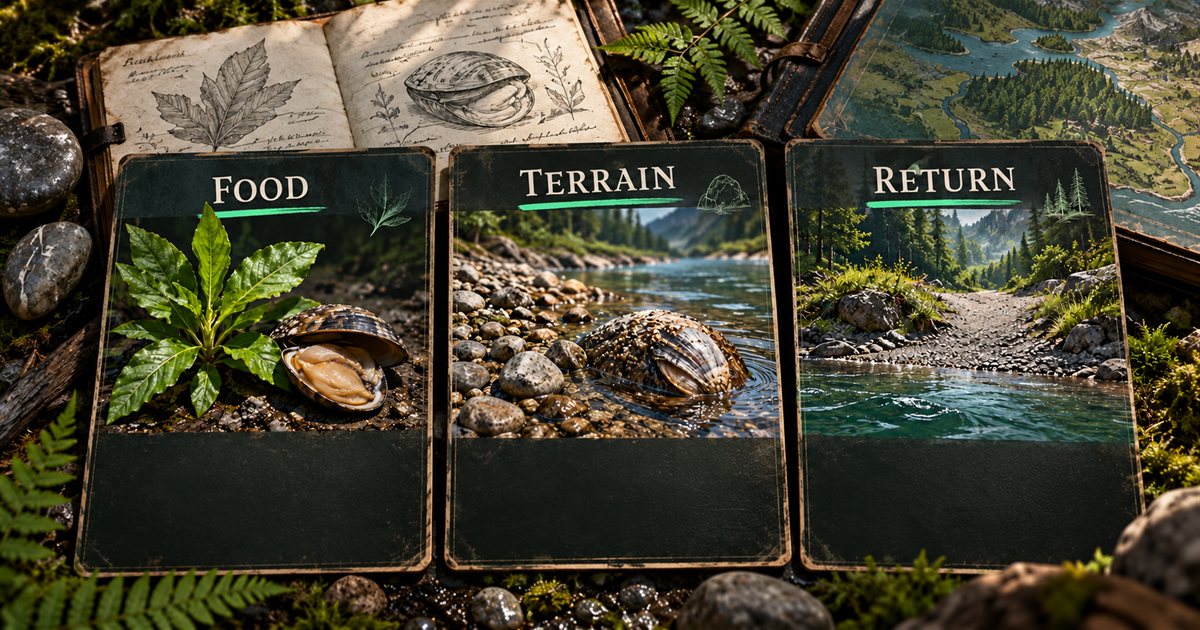
The shortest straight-line distance is not necessarily the simplest approach. A reference across a river, below a steep bank or beside a cliff deserves inspection before you travel directly toward the marker. The roads and trails guide explains comparing mapped connections with the ground in front of you.
Use the Earthworks filters in TheIsleMinimap
Open Map Layers Settings, select Earthworks and enable Earthworks resources. Choose Gastrolith, Clam Rock or both. Enable All and Disable All change the individual selection in this group; the group switch lets you temporarily hide it while keeping your preferences.
Earthworks is independent of the General group. Turning on General does not by itself show Earthworks resources. If useful, enable Location names, Landmarks or Drinking water in General for context, while keeping unrelated animal and plant references hidden. See the map layers walkthrough for the control structure.
Earthworks markers are mapped resource references, not reports of what is currently available in your session.
When a marker or interaction does not work
- No Earthworks markers: check the Earthworks group switch and the individual resource filter.
- The map seems misplaced: obtain a fresh coordinate update and check your map view before changing filters.
- No interaction at the site: inspect the ground and current prompt; a reference is not a live availability report.
- A clam cannot be eaten: check its state, your character's controls and current food feedback instead of assuming the marker completes the interaction.
- Your condition is worsening: reassess the trip rather than continuing solely because you reached a resource point.
For an app-specific problem, open an Account Portal support ticket with your app version, filter name and a redacted description or screenshot. Keep game-mechanic questions separate from a missing app layer so the issue is clear.
Quick answers
Are gastroliths the same as salt licks?
No. The published gastrolith explanation concerns stomach contents. Salt lick interactions and sickness decisions are a separate topic; check the current Status Report and relevant prompt.
Does a Clam Rock marker guarantee food?
No. It marks a reference location to investigate, not the current availability or readiness of an individual clam.
Can the app tell me when the effect ends?
Check the effect in The Isle’s Status Report and use its current feedback to decide what to do next.