

Trying to understand The Isle scent icons or find food and water in EVRIMA? Your dinosaur's nose helps you choose a direction, but knowing what a signal means is only half the job. You still need to identify the resource, reach it through Gateway's terrain and decide whether approaching is worth the risk.
Hold your Scent key, normally Q, and check the compass at the top of the screen. A quick tap can show the compass without completing a longer sniff. Check your own keybindings if Q does not work. Use a resource signal as a direction to investigate, not a promise of a safe meal or drink.
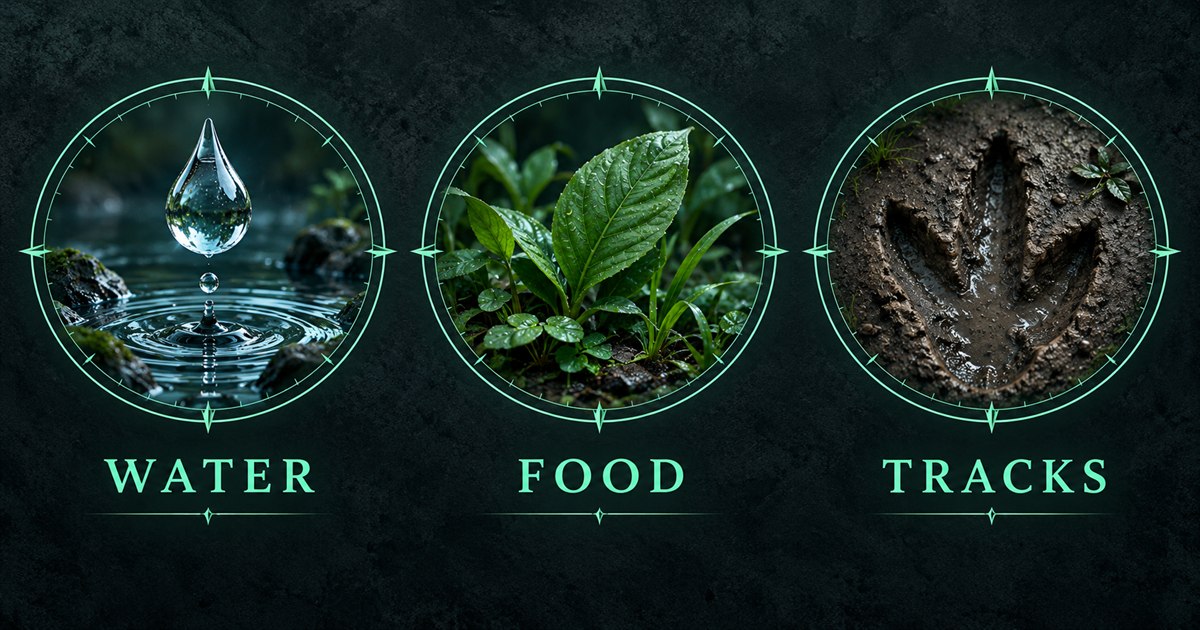
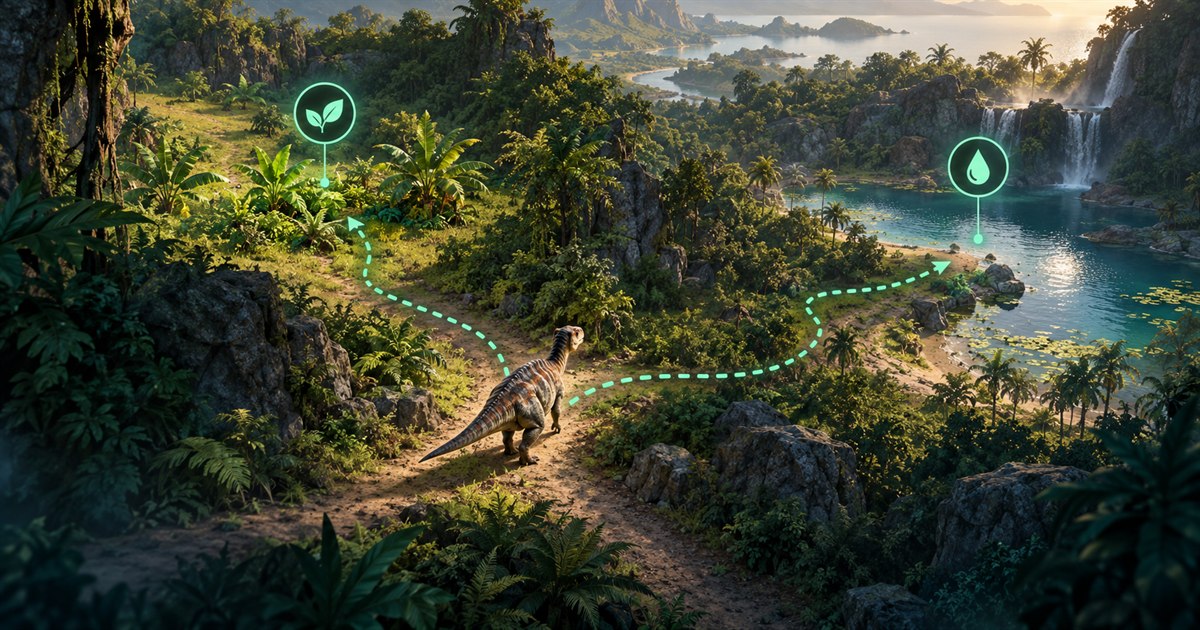
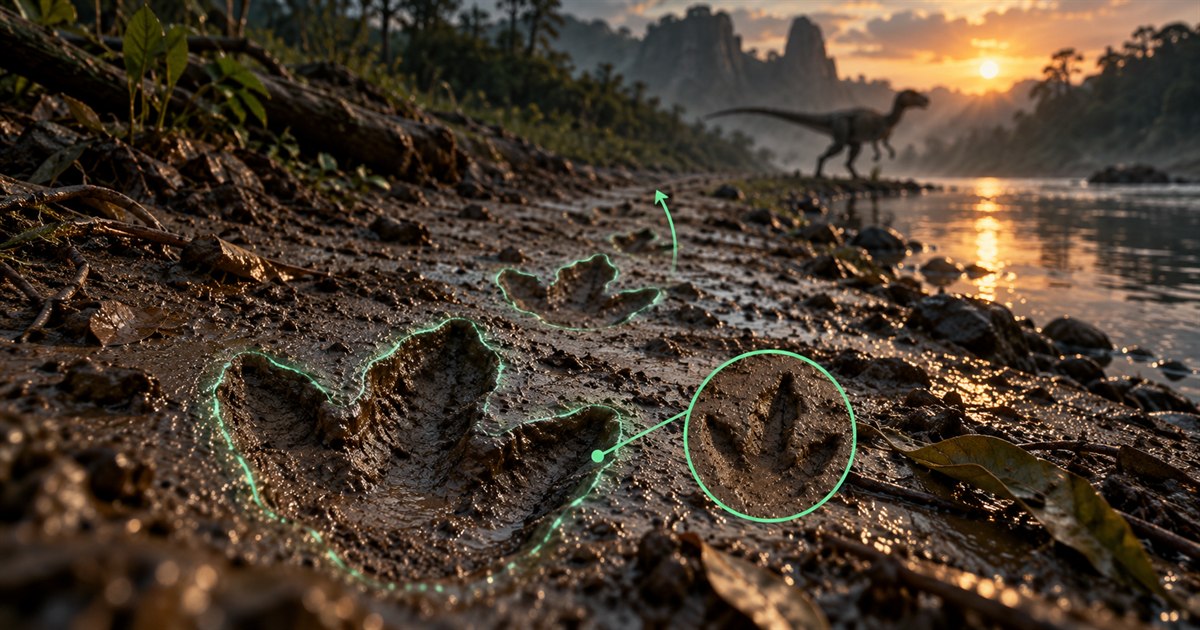
The four images are AI-generated illustrations. Mint overlays, resource tokens and routes are explanatory concepts, not game screenshots, exact scent icons or an accurate Gateway map.
How to use scent: holding Q versus tapping Q
The fan-made Evrima Quick Guide controls reference lists Q as the default Scent key: hold it to sniff, or tap it for the compass. It describes a longer hold as increasing the search range. Check Settings if you have changed your controls, and give the sniff time to develop rather than repeatedly tapping and expecting every resource to appear.
- Choose a sensible stopping point. Before concentrating on the display, glance at the terrain and listen for nearby movement.
- Hold your bound Scent key. Watch the top of the screen, not just the ground immediately in front of your feet.
- Separate direction from resource information. The compass helps you orient yourself; resource symbols tell you what to investigate in that direction.
- Pick one immediate goal. If you are thirsty, solve the water trip before making a long detour for a possible meal.
- Check again after travelling. A second look from a different position can help you adjust your approach without running blindly.
This is an EVRIMA guide. Legacy videos, old Spiro tutorials and Hordetest footage can show different displays or mechanics. There is no universal sniff duration in seconds promised here: use the response of your current game rather than treating an old timer as a rule.
The Isle scent icons and compass: what to look for
In-game icons are not all food. The community navigation reference also identifies migration zones, patrol zones, sanctuaries and salt rocks. It shows north and south compass orientations. The following reference separates the practical questions each kind of signal answers; it is not an exhaustive reproduction of the current icon artwork.
| Signal or information | How to use it | What not to assume |
|---|---|---|
| Compass direction | Orient yourself before comparing a heading with your map. | A direction marker is not automatically a resource marker. |
| Water indicator | Investigate a possible drinking location and examine the shore. | It does not tell you the water is free of predators. |
| Food or nutrient indicator | Compare the resource with your dinosaur's current diet information. | Something edible is not necessarily the nutrient you need. |
| Carcass, meat or remains | Look for the actual food and assess its condition before feeding. | Remains do not guarantee a fresh, suitable or uncontested meal. |
| Zone indicator | Work out whether the area is relevant to your species and life stage. | A zone is not the exact location of an individual plant or animal. |
| Ground tracks or blood | Investigate a trail and keep checking your surroundings. | A trail is not the animal's current position. |
If a symbol is unfamiliar, compare it with the information in your current character panel and a branch-appropriate reference. Do not identify everything from colour alone: an older screenshot may show a different design. Our migration, patrol and sanctuary guide covers zone decisions in more detail.
How to find water in The Isle EVRIMA
A community scent-compass discussion identifies the teardrop indicator as water, not a Pteranodon updraft. The important distinction for a survival trip is between finding water and finding a sensible place to approach it.
First choose a route with an exit. A direct heading can lead into a steep bank, a difficult crossing or a shoreline where you have no room to react. Look for an approach you can leave again without committing to a long swim. Pause before the final stretch and check the water, nearby cover and any activity you can hear.
Do not delay hydration until you have no options. Planning the trip earlier leaves room to choose another approach if the first one looks occupied. If friends are travelling with you, agree on a meeting landmark before everyone splits up along different banks.
For longer trips, compare the scent direction with your position on the map and use our Gateway water guide. A water symbol is not an enemy detector, and no marked drinking location is guaranteed safe.
Finding food: plants, carcasses and your diet
The community-built Isle Info beginner guide describes scent as a way for herbivores to find edible plants and for carnivores to investigate carcasses, blood and trails. Your practical priority should still come from your own hunger and diet panel, not simply the first signal you notice.
Before travelling, decide whether you need any meal soon or a particular diet resource. Those are different goals. When food is already urgent, a distant ideal target can be a poor choice compared with checking a nearer suitable source. When you have time, compare the resource with your preferred food list and plan the trip around the nutrient you actually lack.
As you approach, investigate before committing to a feeding animation. A carcass can attract attention, and a busy food area may be useful to one dinosaur but risky for another. Keep an escape option and avoid assuming that a quiet-looking meal belongs to nobody.
See the The Isle food and diet guide for a broader feeding plan. If you are searching for moving prey, our AI spawns guide explains why a likely habitat or map marker should not be treated as a guaranteed live animal.
Following footprints and blood without confusing them with live tracking
A trail records activity that has already happened. It can help you investigate movement through an area, but following it does not establish where the animal is now, how long it stayed nearby or whether it has changed direction since leaving those signs.
Look for a sequence rather than basing the whole chase on one mark. If a trail becomes unclear, slow down and reconsider the last clear section instead of picking a direction at random. Ask whether continuing serves your survival goal: spending your remaining energy on an uncertain chase may leave you worse off than checking another food source.
Tracking mechanics have changed over time. The official January 2024 patch notes changed the default footprint despawn time. That is historical evidence of a balance change, not a current footprint lifetime guarantee. Do not judge the age of a trail using an unverified timer from an old video.
Why is scent not showing food or water?
- Check the control first. Verify the bound Scent key and try a deliberate hold rather than a tap.
- Check the branch and guide date. A Legacy explanation or older icon screenshot may not match your EVRIMA display.
- Do not infer an empty map from an empty compass. One sniff from one position is not a survey of the whole island.
- Try a controlled comparison. When it is safe, test near a resource you can already see and note whether the problem repeats.
- Record useful details. If it keeps failing, note your species, server, game build and what happened. A short clip can explain the problem better than saying that Q does nothing.
Weather, visibility and resource availability can complicate a trip, but this guide does not claim that every rainstorm disables every scent signal. Do not delete your Saved or configuration folders as a first troubleshooting step. Preserve your settings and follow current official guidance for a repeatable game bug.
Using scent with TheIsleMinimap on Gateway
Scent helps answer which direction to investigate. TheIsleMinimap helps put your own position and the surrounding map in context. Refresh your marker by copying your in-game Asset Location, or use the app's screen reader with your confirmed reading area while the location is visible.
Compare your position with nearby landmarks before starting the resource trip. Choose a route, check your progress along it and use scent again as you approach. With friends, the app's private squads for up to four players help you coordinate the positions members share; they do not replace watching what is happening in the game.
Use scent for the game’s current signals and map layers for geographic references.
Start with the Asset Location and coordinates guide if your marker needs setting up. Then use the Gateway minimap overview to connect local scent directions with the wider island.
The Isle scent guide: quick answers
What button is smell in The Isle EVRIMA?
Q is the commonly documented default. Hold the Scent key rather than only tapping it, and check Settings if you use custom bindings.
Does a water scent icon mean a Deinosuchus is there?
No. A water indicator identifies a resource, not a confirmed predator. It also does not prove that the shoreline is safe.
Can scent tell me the exact coordinates of food?
A direction or trail is not an Asset Location coordinate pair. Investigate the source in the game and use your own position and landmarks to orient yourself.
Can the minimap update my position just because I press Q?
No. Scent and the app's coordinate reading are different functions. Use copied Asset Location coordinates or the enabled screen reader while the selected location area is visible.
What should I do after finding a useful scent?
Identify your goal, choose an approach with an exit, check the surroundings and reassess when you arrive. Finding a direction is the start of the decision, not the end.