
After losing a dinosaur in The Isle EVRIMA, give the next life a fresh plan. Check the server and spawn options, establish your new location and solve the most urgent food or water need before attempting a long reunion with friends. Your previous route and old map marker are not a reliable starting point for a new spawn.
Confirm the intended server, read the available character and spawn choices, inspect the new dinosaur's condition, refresh Asset Location and choose one reachable objective. Tell friends that you have respawned before they plan around your previous position.
This guide is about decisions after death, not recovering a deleted character. Spawn choices, restrictions and community policies can change, so the current game screen and server announcements govern the options available to you. The three AI-generated illustrations are conceptual examples, not exact spawn points, safe locations or current Gateway map data.
Before choosing a new spawn, confirm what happened
A confirmed death and an unexpected missing character are different situations. If you know your dinosaur died, continue through the game's character flow. If the character disappeared after a disconnect or a restart, first check that you returned to the right server and branch. Look for a wipe or maintenance announcement before assuming you need to replace it.
Choose from the species and spawn options actually shown. Read any restrictions before confirming. A location unavailable to you now should not be treated as broken merely because it appeared in an older guide. This article gives no universal respawn cooldown or promise that every species can select the same location.
Consider what you want from the next session. A species you are learning may need a different route from the adult dinosaur you just lost. Ask whether you have time to grow it, whether your friends can legally group with it on that server, and whether you understand its basic controls. The beginner dinosaur guide can help you compare learning goals.
Your first checks after spawning
Before choosing a distant destination, look around and inspect the visible condition indicators. Identify nearby cover, the ground ahead and anything that might make an immediate movement risky. A short pause to understand the situation can be more useful than sprinting toward the first familiar-looking direction.
Check hunger, thirst, stamina and the information available for your current dinosaur. Use the game's scent and compass tools to investigate relevant resources. Do not apply the previous species' diet from memory, and do not assume a juvenile has the same movement options or reach as the animal you lost.
Practise the essential inputs if you changed species or bindings. Walk, stop, turn and check the information panel. Our controls guide provides a short routine; the scent guide explains how to use directional information without mistaking it for a guaranteed resource.
Refresh your map position after a respawn
Your new spawn needs a new coordinate update. In the standard panel workflow, open Tab, find Asset Location and supply the fresh coordinates to TheIsleMinimap. You can click the visible coordinates for a manual clipboard update or use your configured local screen-reading mode while its selected area is visible.
Check that the app accepted the update before using its marker as your starting point. If the marker still shows the previous life, following it can send you toward a route that no longer matches your actual position. The coordinate guide explains the capture workflow and common checks.
Review any old destination pin as well. It may still point to a meeting place chosen for your previous route. Remove or replace it using the available app controls if the plan has changed, and tell squad members what the new destination means. A shared pin is a planning aid, not a guarantee that the ground around it is suitable.
A confirmed marker describes the latest accepted position. It will become older as you move without another update. Refresh after a long detour or a major change of direction rather than expecting a hidden coordinate panel to keep supplying readings.
Choose one reachable water or food objective
Let the current need decide the first journey. If water is urgent, plan that trip before a lengthy food detour. If food is the limiting need, check the current diet information and look for suitable resources. Keep the next leg short enough that you can reassess before committing to another.
In the app, start with Location Names, Landmarks and Drinking Water when those references help. Add the relevant food filters rather than turning on every category. A nearby icon in a straight line may still require a difficult crossing or descent; compare the route with the ground you can actually see.
The food and diet guide and drinking-water guide provide more detail. Map resource references are not live reports of what is currently available, and they do not show hidden predators or promise that an approach is safe.
Keep enough stamina for adjustments. If the obvious line leads across unfamiliar water or steep terrain, consider another approach. The river-crossing guide explains how to inspect banks and exits before making a crossing the centre of your plan.
How to regroup with friends after dying
First say that you have respawned and give a broad description of your new situation. Confirm that everyone is on the same game server and that the intended grouping follows its rules. A private minimap squad does not change server membership or the game's species grouping requirements.
- Have each player obtain a fresh position update.
- Compare the new starting points and immediate needs.
- Choose a recognisable meeting landmark with an approach each player can assess.
- Agree who will move and who will wait, instead of both chasing an old marker.
- Use the shared destination pin if your group has Squad access.
- Refresh positions and communicate delays or route changes during the journey.
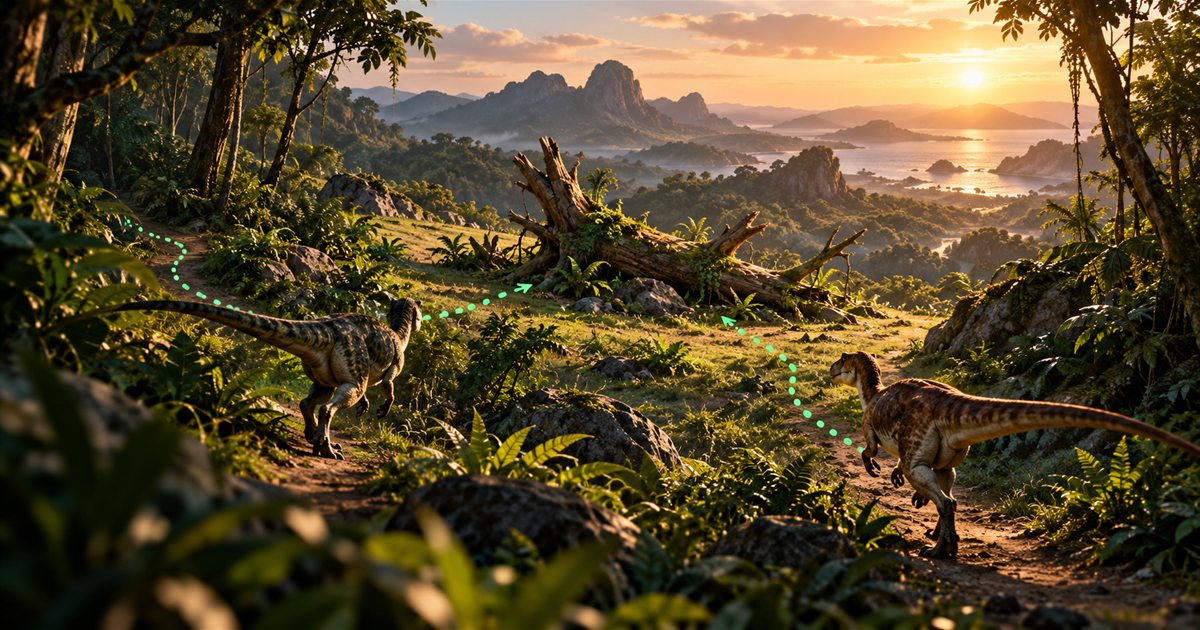
A friend may be close on the map but separated by terrain that makes the journey longer. Avoid asking a fresh juvenile to cross the island immediately because an adult already has a favourite destination. Stabilise the new dinosaur first and choose a reunion that works for the current group.
Squad plans support a private app squad of up to four players with latest shared positions and one shared destination. Solo Lifetime provides your local map tools. If positions appear outdated, use the squad troubleshooting guide; neither plan restores a dead dinosaur or reads a friend's hidden game state.
Change one decision from the previous life
Ask what you actually observed before the death. Did you start a long journey without checking water? Spend all your stamina before reaching an exit? Follow a stale position? Enter a river without inspecting the far bank? Pick one decision you can change next time rather than rebuilding your entire play style around an uncertain explanation.
If you lost an encounter, separate movement decisions from assumptions about combat balance. A bad approach does not necessarily mean the species is unusable. Practise its controls and use the combat survival guide to think about positioning and retreat options before looking for another fight.
An example restart plan
You respawn while two friends are still travelling. Tell them you are starting again, inspect your condition and capture your new location. Instead of immediately following their last marker, choose a nearby water objective if thirst requires it and identify suitable food using your current diet.
After meeting those needs, compare fresh positions and agree on a landmark between the routes. One player waits while the other approaches. If the terrain or resources make that plan impractical, move the meeting point together. The useful habit is making a new plan from current information, rather than trying to resume the previous life at full speed.
EVRIMA respawn questions
Can TheIsleMinimap recover my old dinosaur?
No. Character persistence and restoration belong to the game and server operator. The companion provides map tools and optional private position sharing.
Should I immediately run back to where I died?
First assess the new dinosaur's needs and the current situation. The previous location may still be dangerous or no longer worth the journey.
Does the game always offer the same spawn choices?
Use the choices and restrictions shown in your current session. Do not rely on an old map, fixed cooldown claim or another server's policy.